
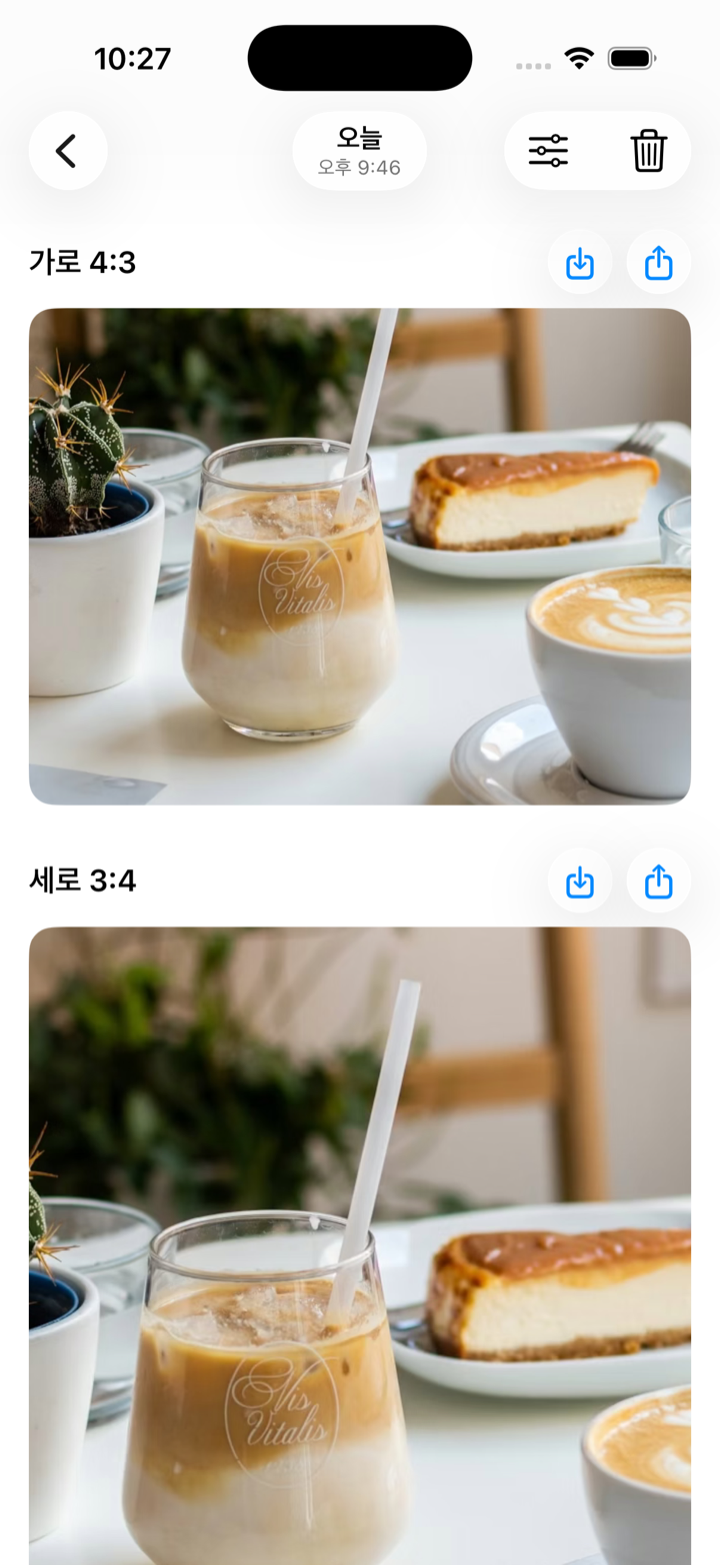
Landscape + portrait as one set
One shoot becomes one card. Pick the right ratio for a blog, Instagram, or YouTube.
The camera for place reviewers
Cafés, restaurants, stays, shops. One shutter press captures both a landscape and a portrait crop — so you never choose the ratio on the spot or re-shoot later.
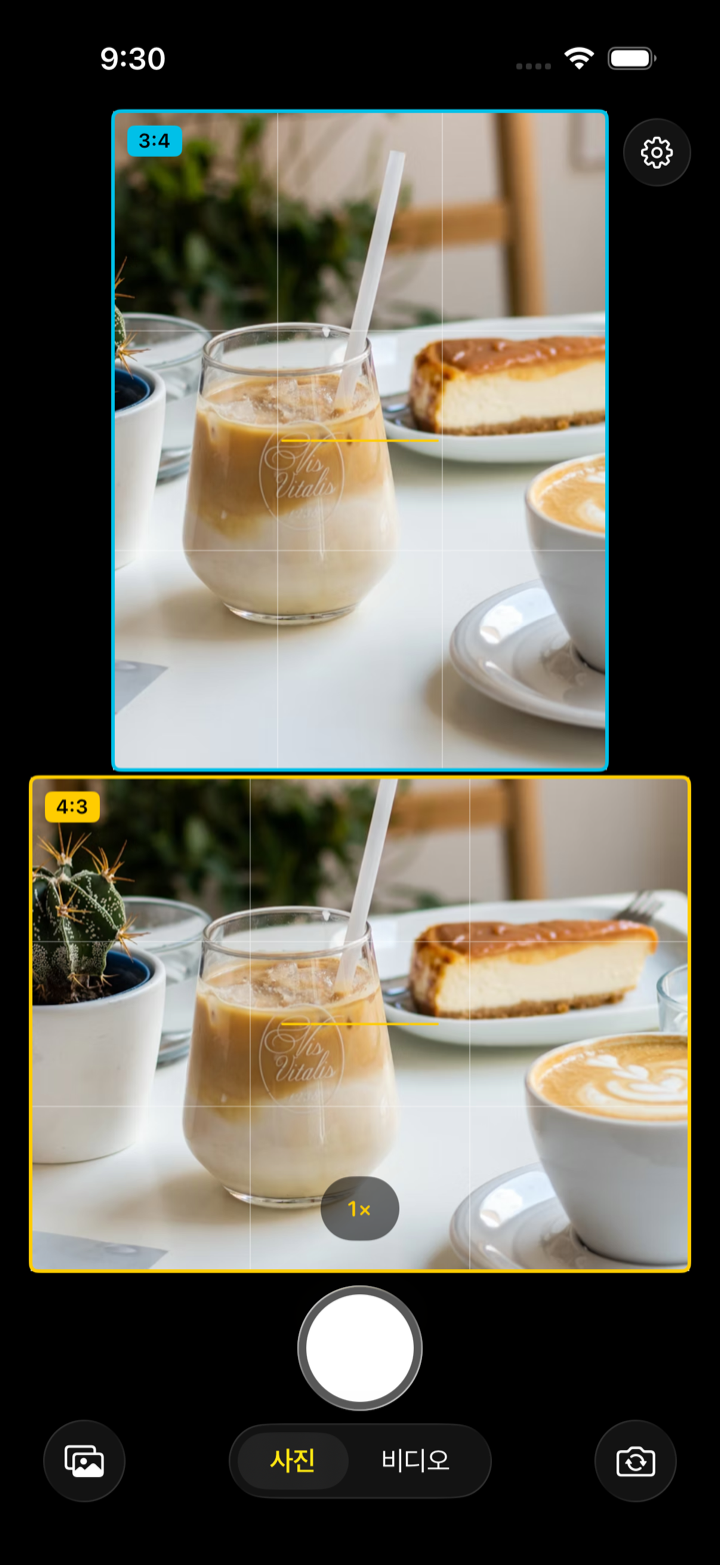
Dual frame
Not an afterthought crop. See exactly how the landscape and portrait crops will look, side by side, the moment before you press the shutter. One press saves both.
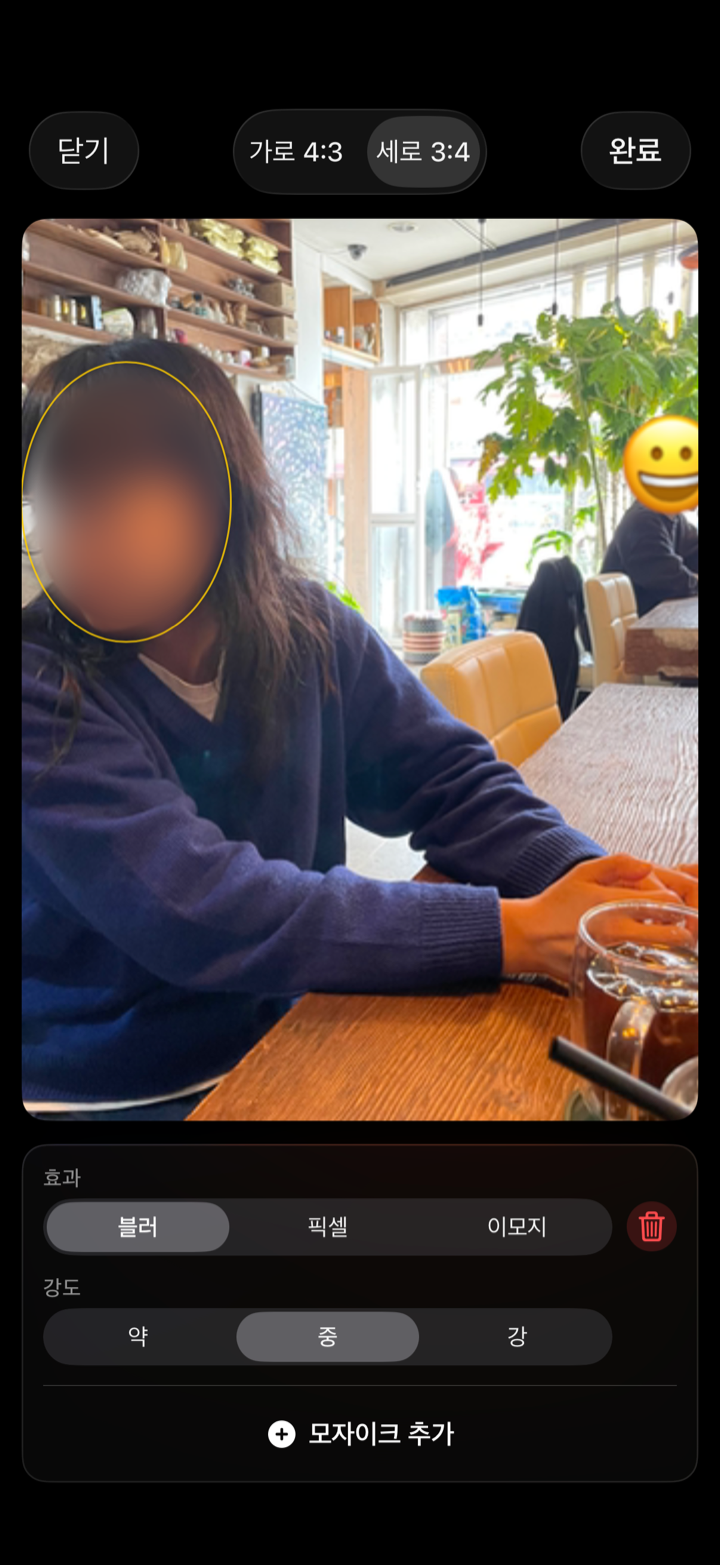
Review template
Build your own shot checklist and review items so nothing gets missed on a visit. A café example is included on first launch — tweak it or start your own.
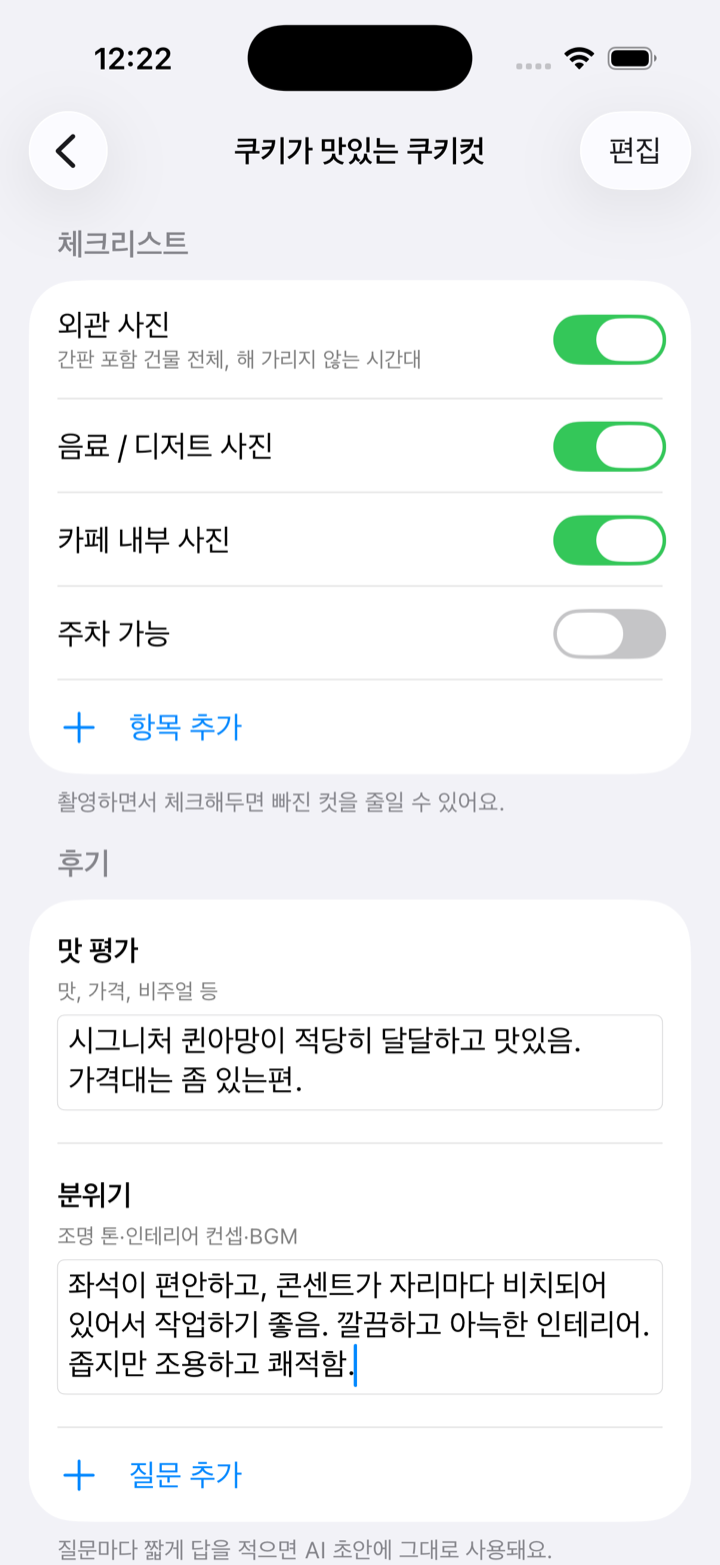
Auto mosaic Premium
Protect other people's privacy. Faces are detected and blurred automatically, and you can fine-tune with blur, pixel, or emoji styles.
One shoot becomes one card. Pick the right ratio for a blog, Instagram, or YouTube.
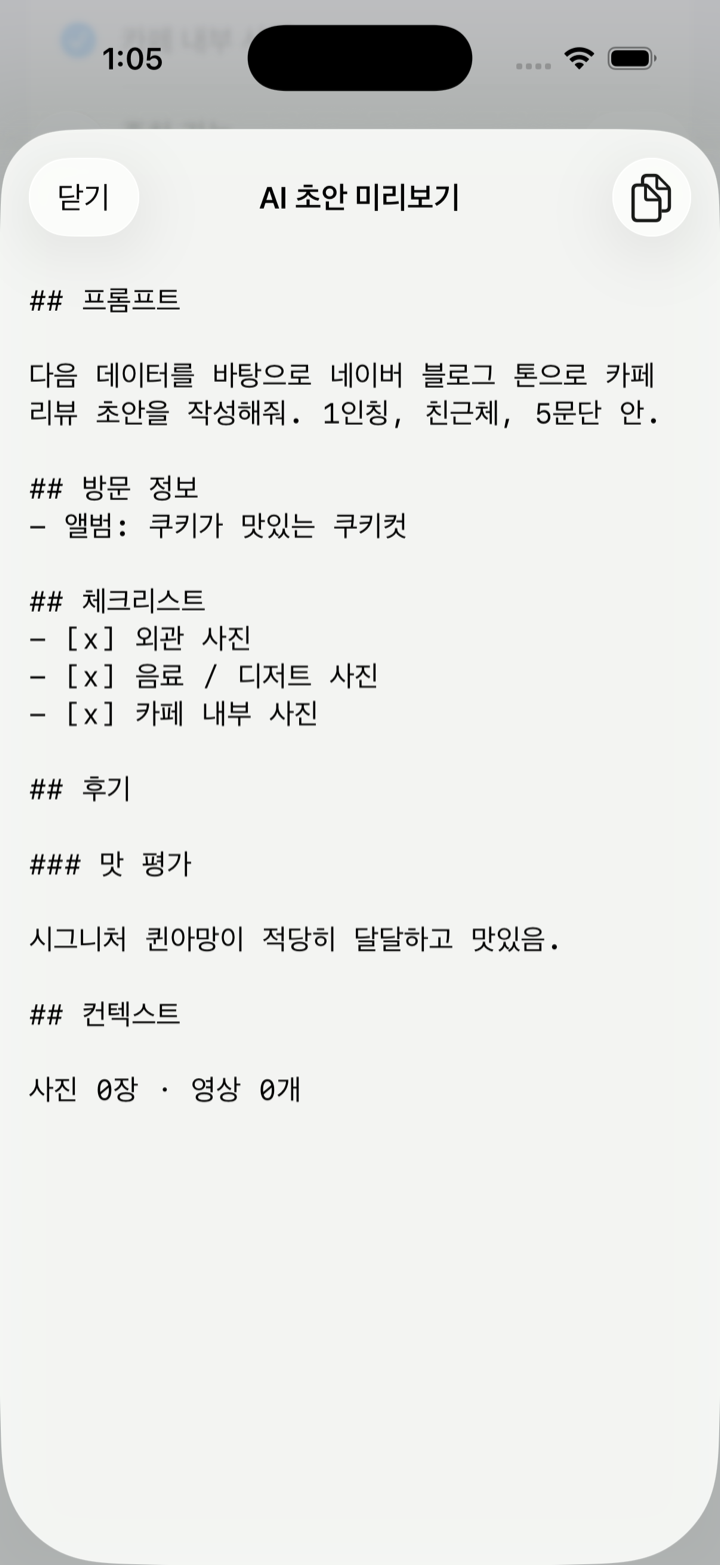
Copy your checklist and notes as clean markdown and paste into your favorite AI tool for a first draft.
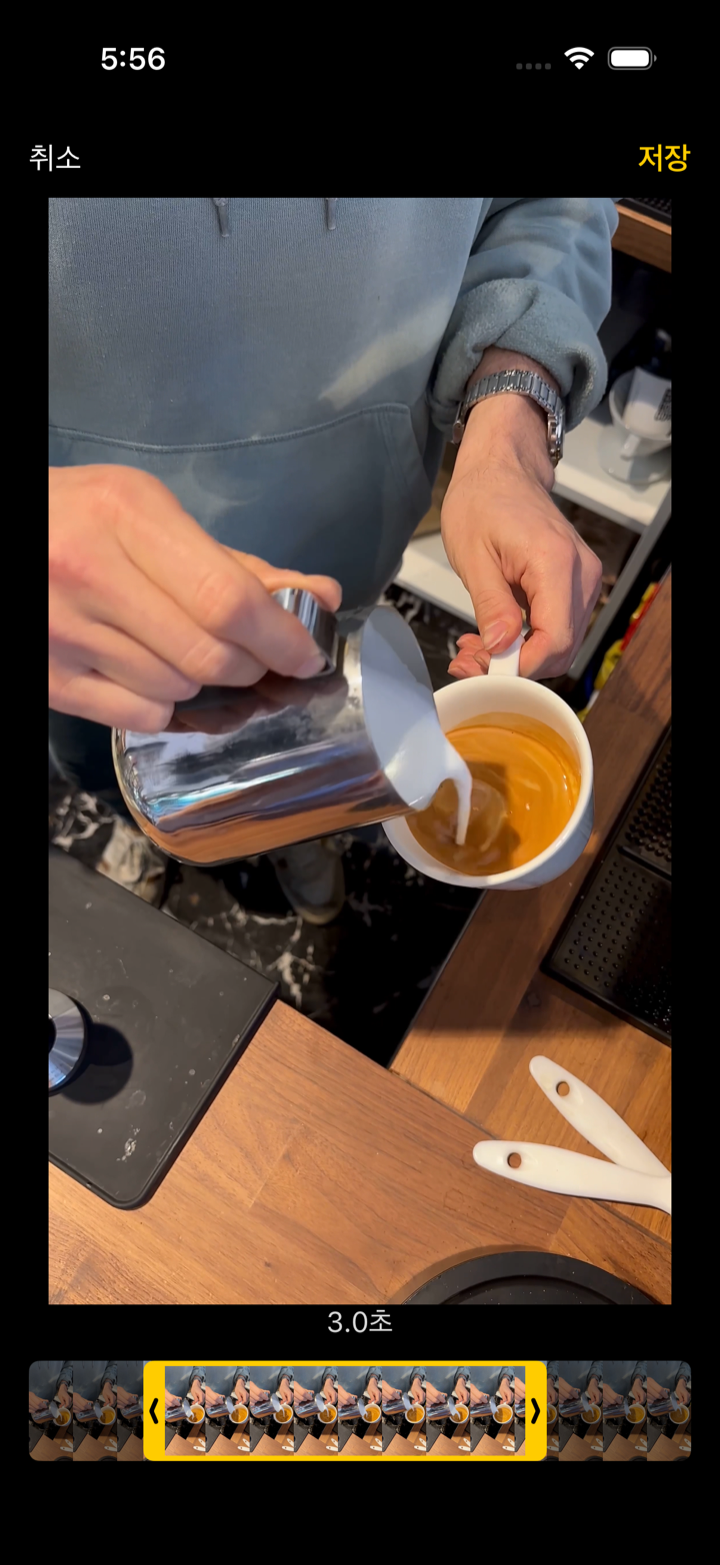
Turn recorded clips into looping GIFs — pick any segment and convert right away.
Free is plenty · Dual-frame capture · Gallery · Place albums · Video · Manual mosaic · 1 review template · 3 GIFs / month
Premium adds
CookieCut is an iOS camera app for place reviewers — cafés, restaurants, stays, and shops. One shutter press captures both a landscape and a portrait crop so a review never misses an angle.
You preview both the landscape and portrait frames before you shoot, and a single press saves both ratios. Instead of cropping later, you secure both ratios at capture time.
Yes. Dual-frame capture, gallery, place albums, video, manual mosaic, and one review template are free. Automatic face mosaic, unlimited GIF export, and unlimited review templates are premium.
On premium, faces are detected and blurred automatically. On the free tier you can draw regions yourself in the editor and hide them with blur, pixel, or emoji.
No. All photos and videos are processed entirely on your iPhone. Nothing is uploaded to our servers.
Any iPhone running iOS 18 or later.
Both ratios at once. Start free today.
다운로드하기 App Store